Automating Tasks with Workflows |
  
|
Workflows empower Audiology Service providers to implement best operational practices in their shops and clinics.
This functionality can be used for processing medical procedures and protocols, allowing for effective operations monitoring and management as well as interpretation of their results.
Consequently, a new procedure may be suggested, a new appointment may automatically be scheduled, or a client may be offered to take another survey.
Workflows are:
- Custom-built and tailored to the specific needs of a particular clinic or a group of users
- Preconfigured and ready to work with, no customer setup is required
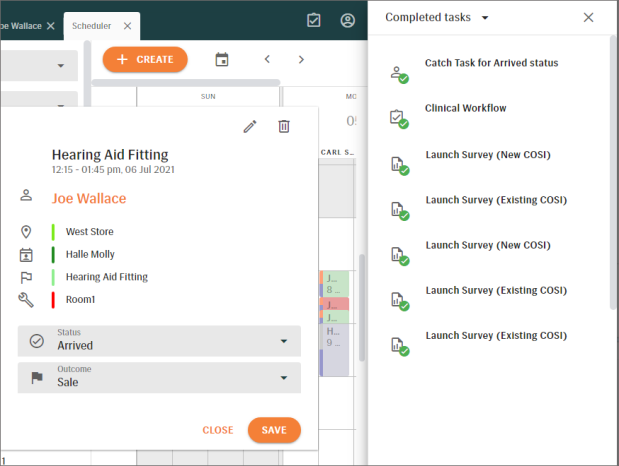
- Dynamic and responsive to user actions (e.g., when a task or part of the workflow is completed, it is automatically removed from the “active tasks” list and added to “completed tasks”)
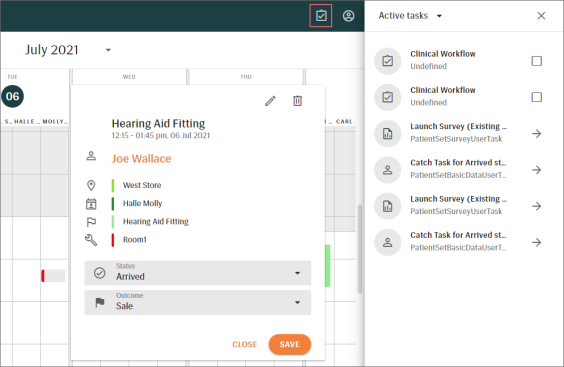
The Workflow launch button  is located next to the User menu in the top right corner.
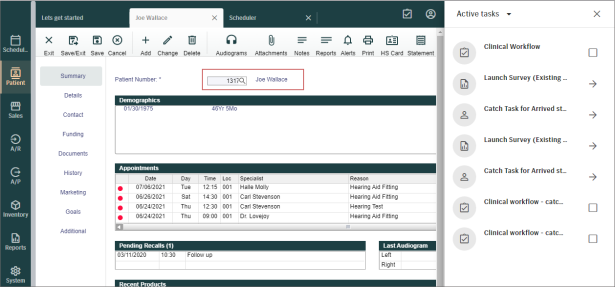
Workflow tasks can be pre-filtered by patient or appointment.
EXAMPLE 1: filtering of active tasks in SCHEDULER, according to appointment status
EXAMPLE 2: filtering of active tasks by patient on a PATIENT INFORMATION screen
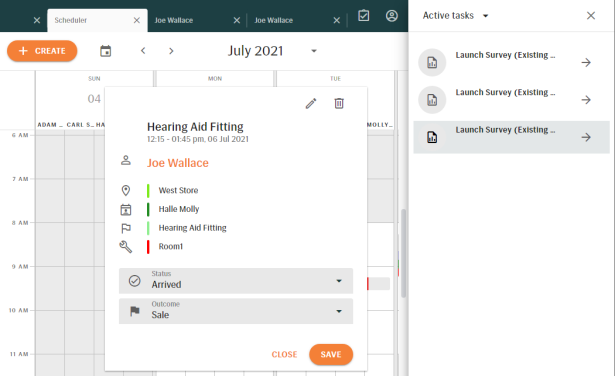
After tasks get completed, they will not be shown in the Active tasks list for a patient or any associated appointments
Finished tasks are still available for reference.